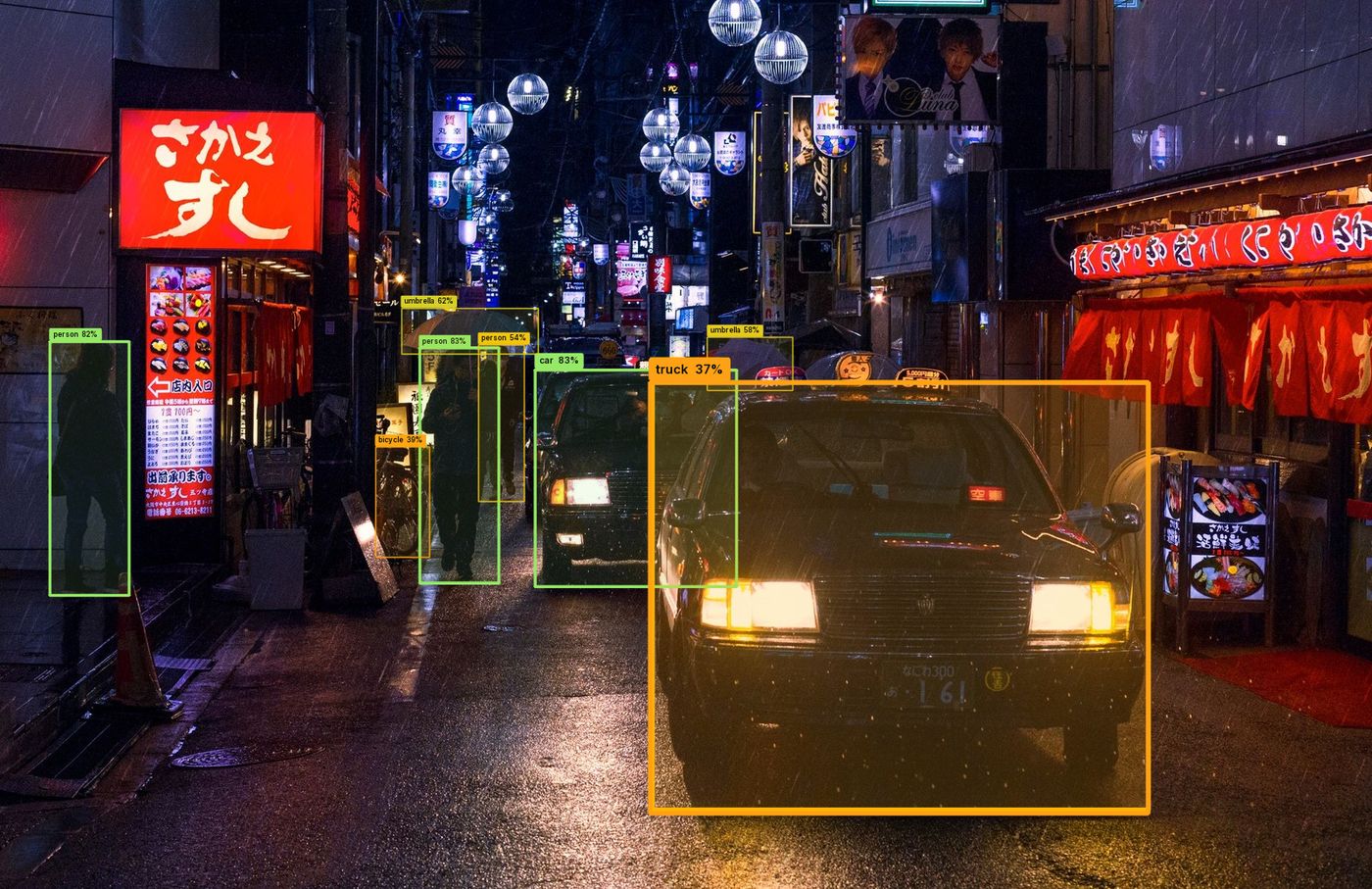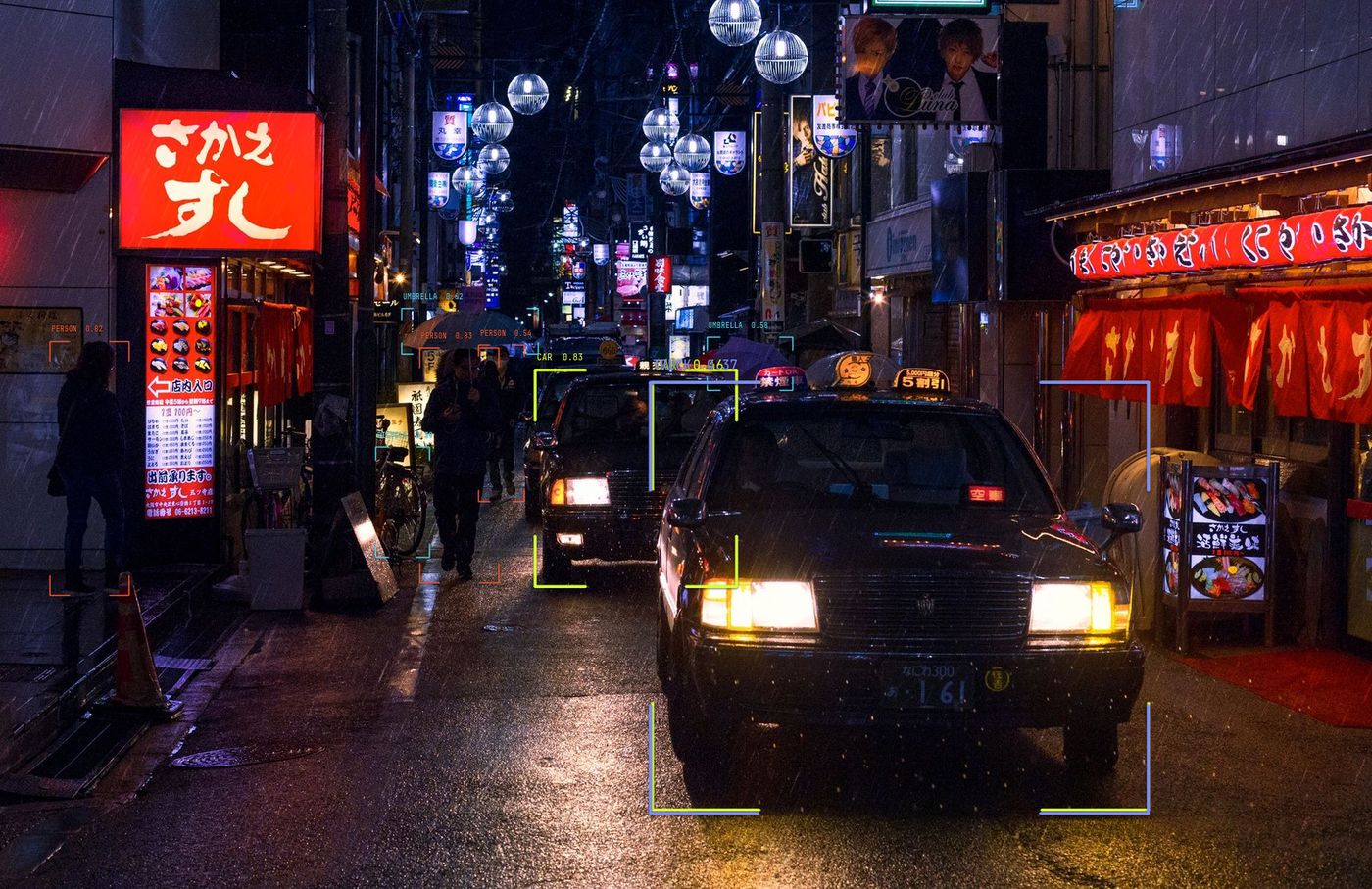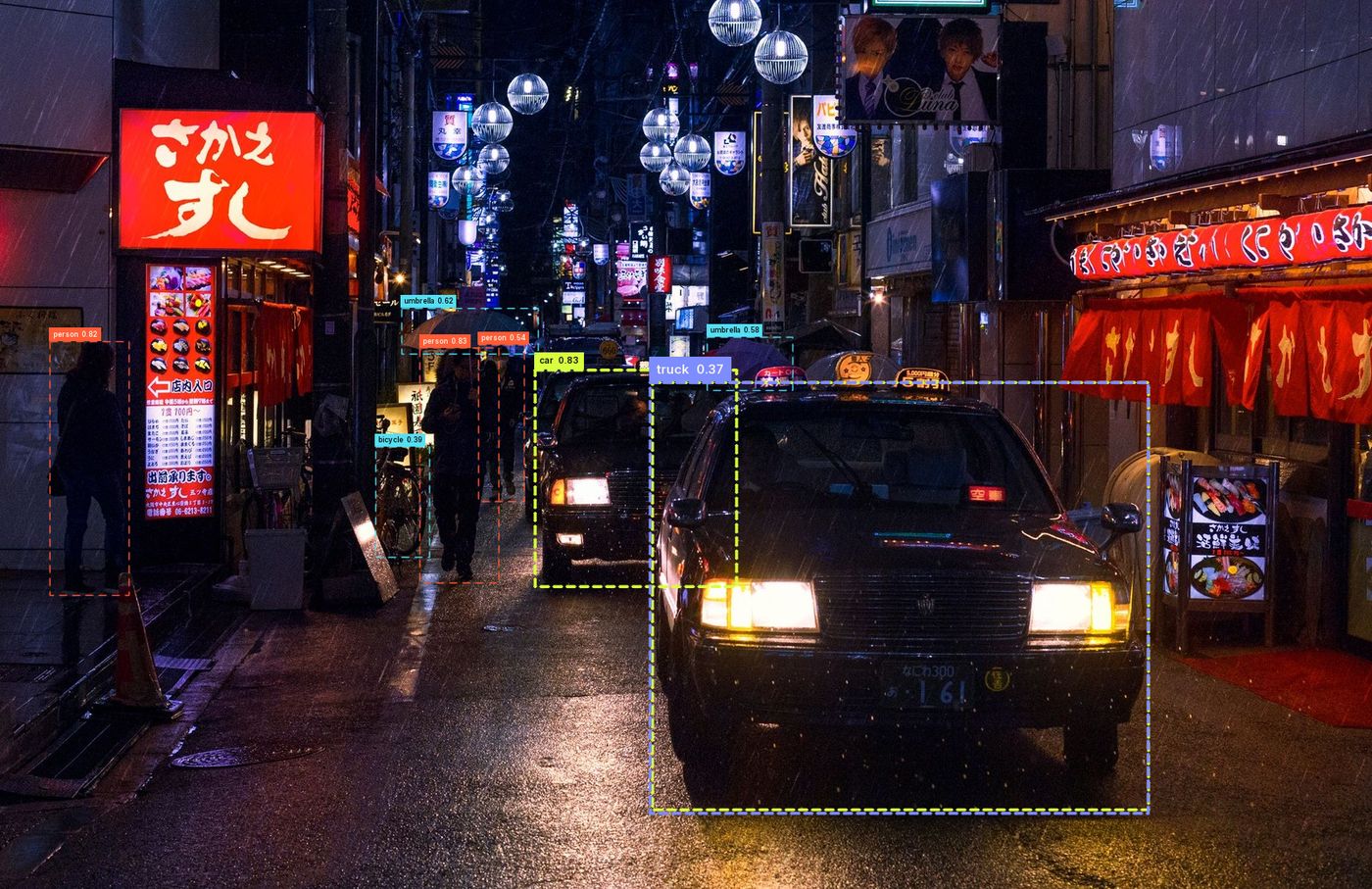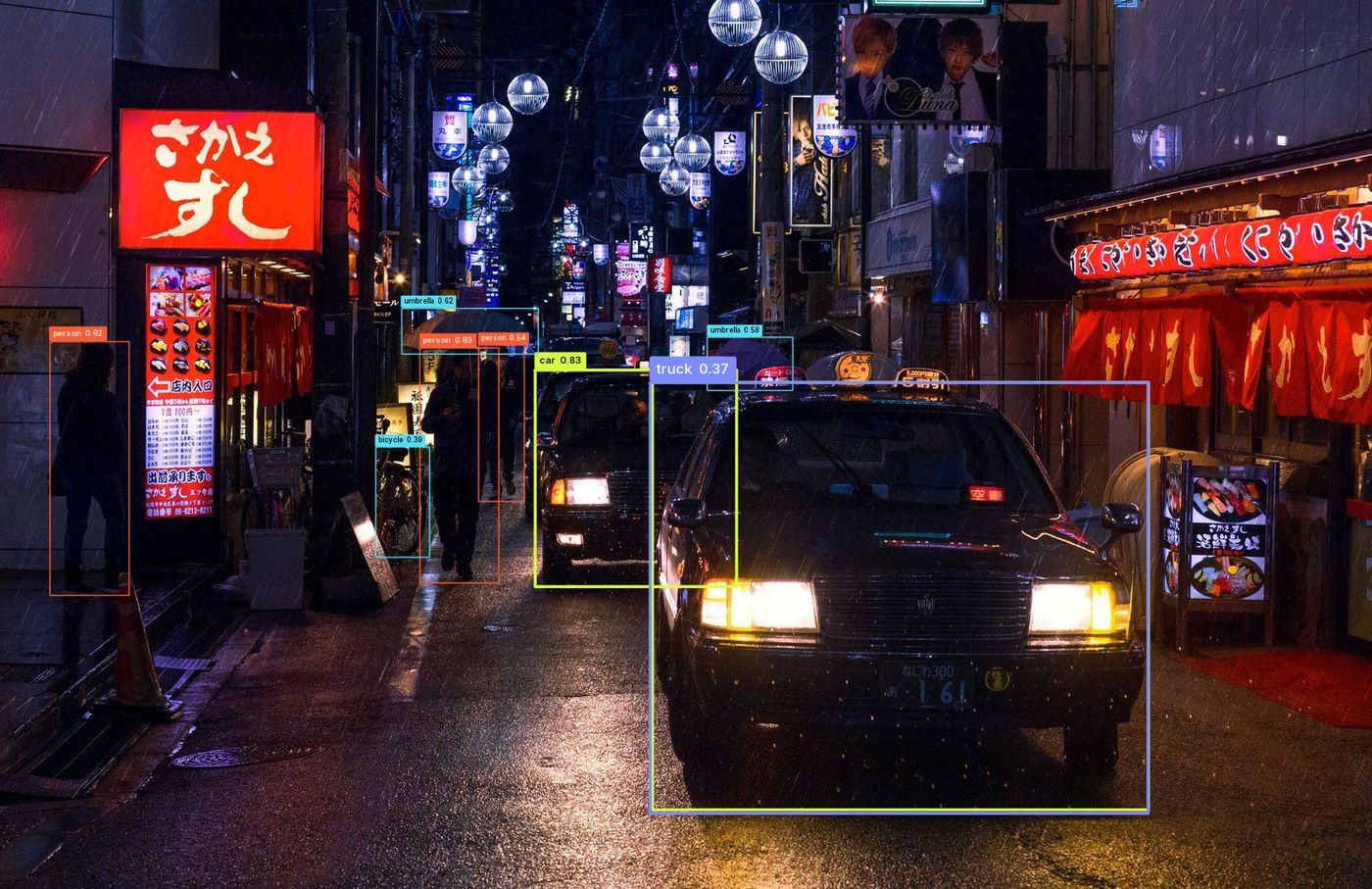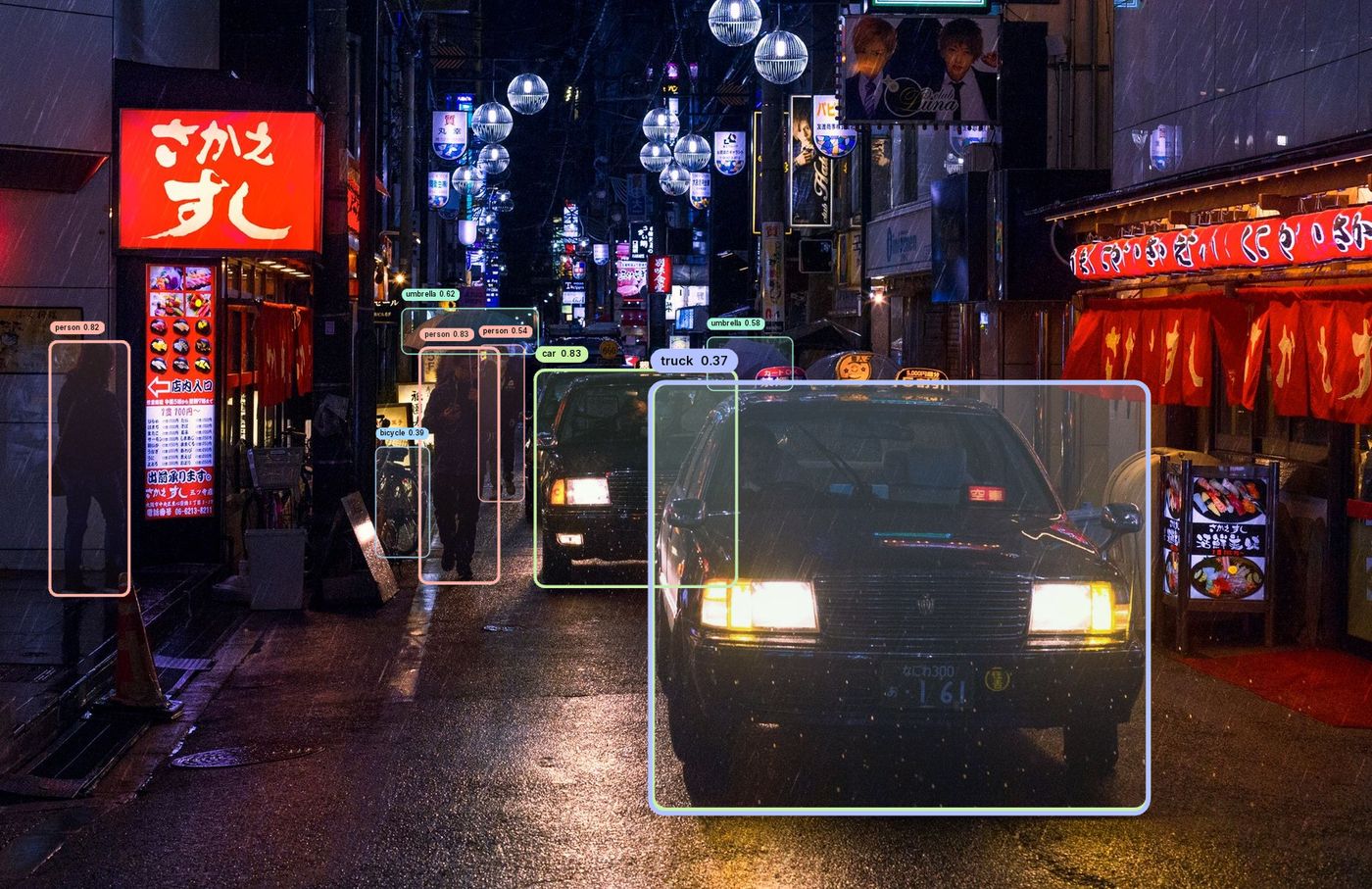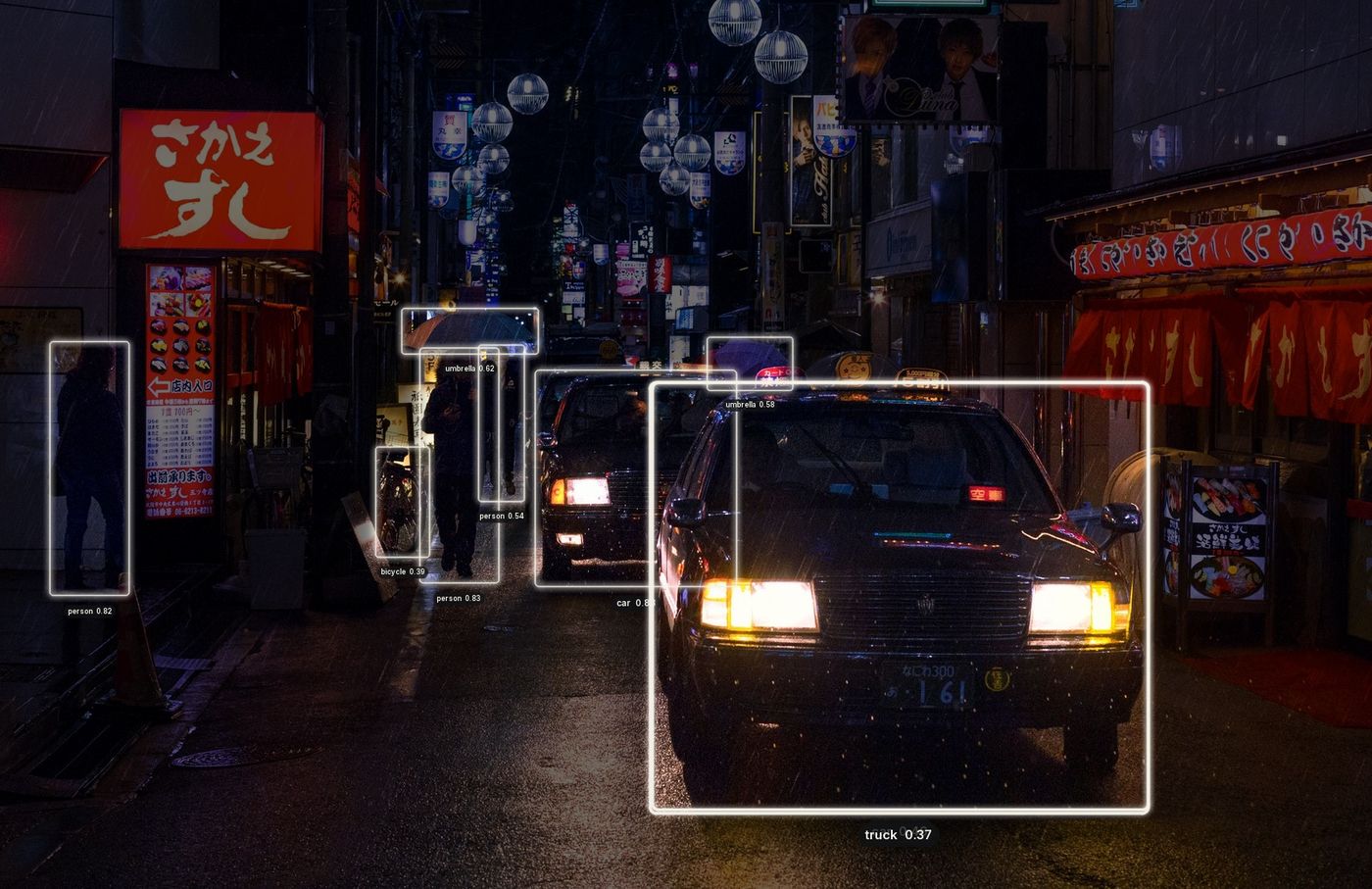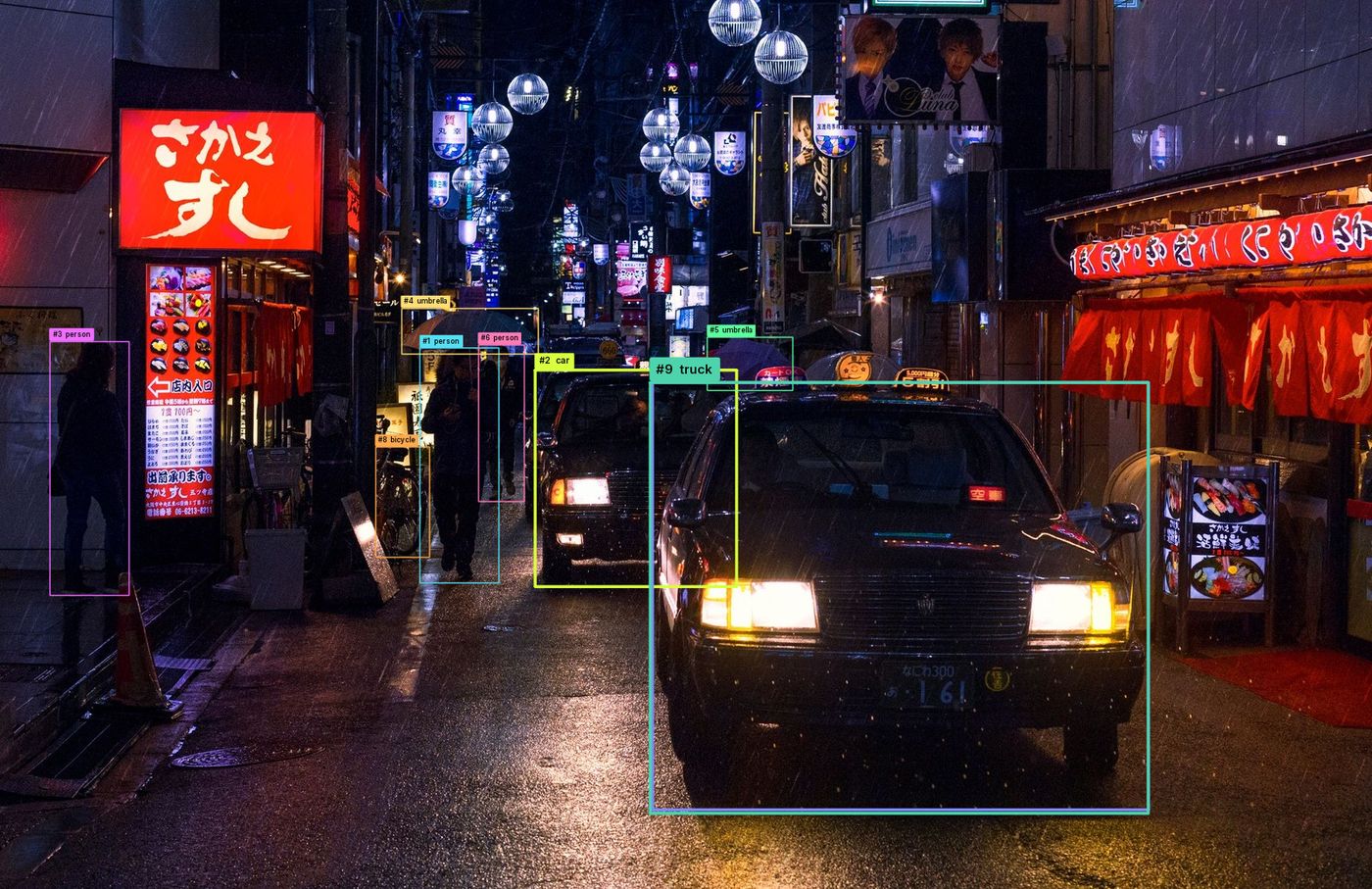
Describe
One typed Style
Box, stroke, fill, line, label, effects and trail live in a single Pydantic model. Every choice is inspectable, portable, and saves as plain YAML.
Object-detection styling for Python
visionstyle turns raw model output into a deliberate visual language. One typed
Style describes boxes, labels, fills, glow, glass, grain and tracking trails —
tuned live in the Studio, saved as YAML, rendered with one call.
Style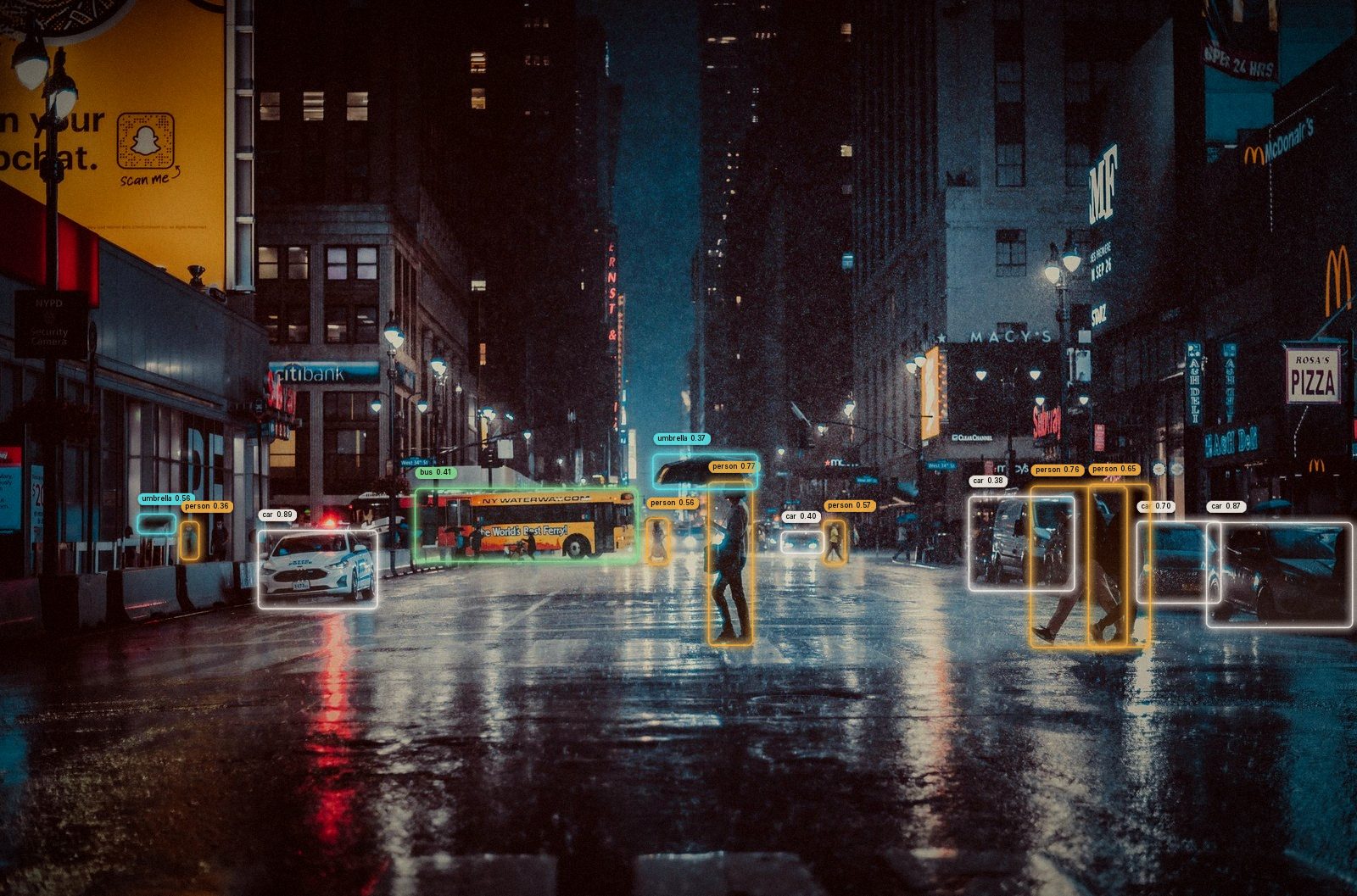
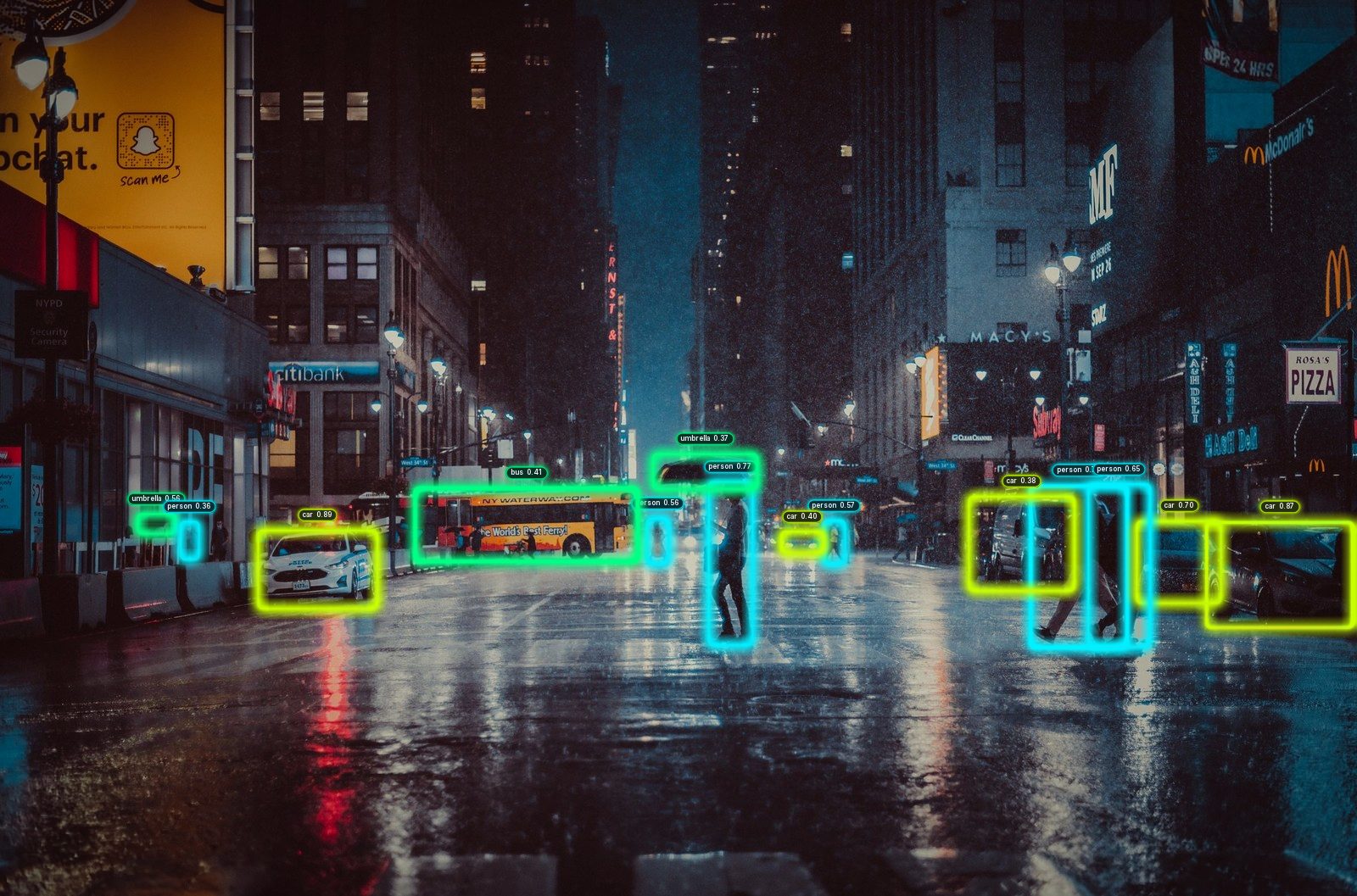
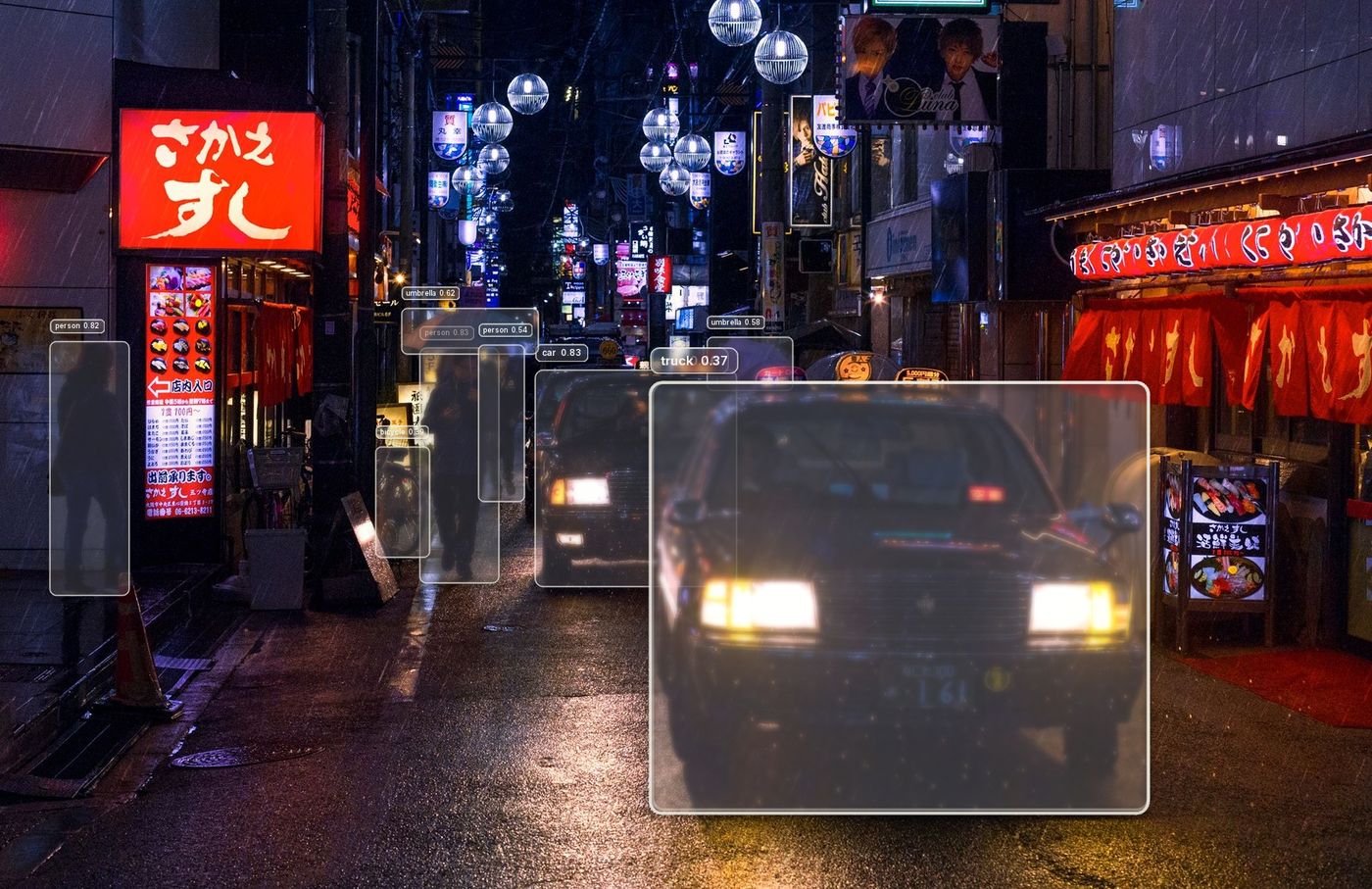
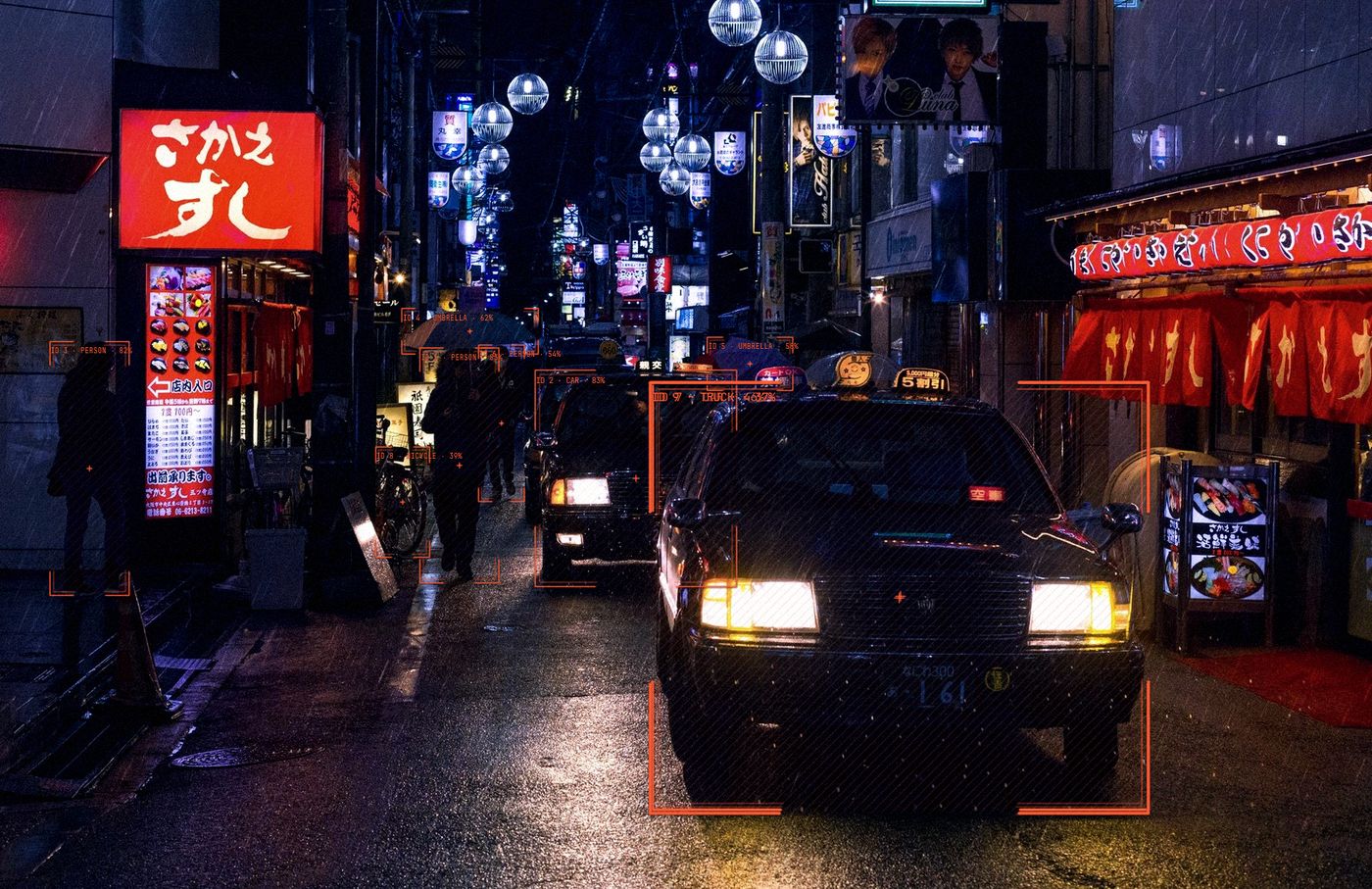
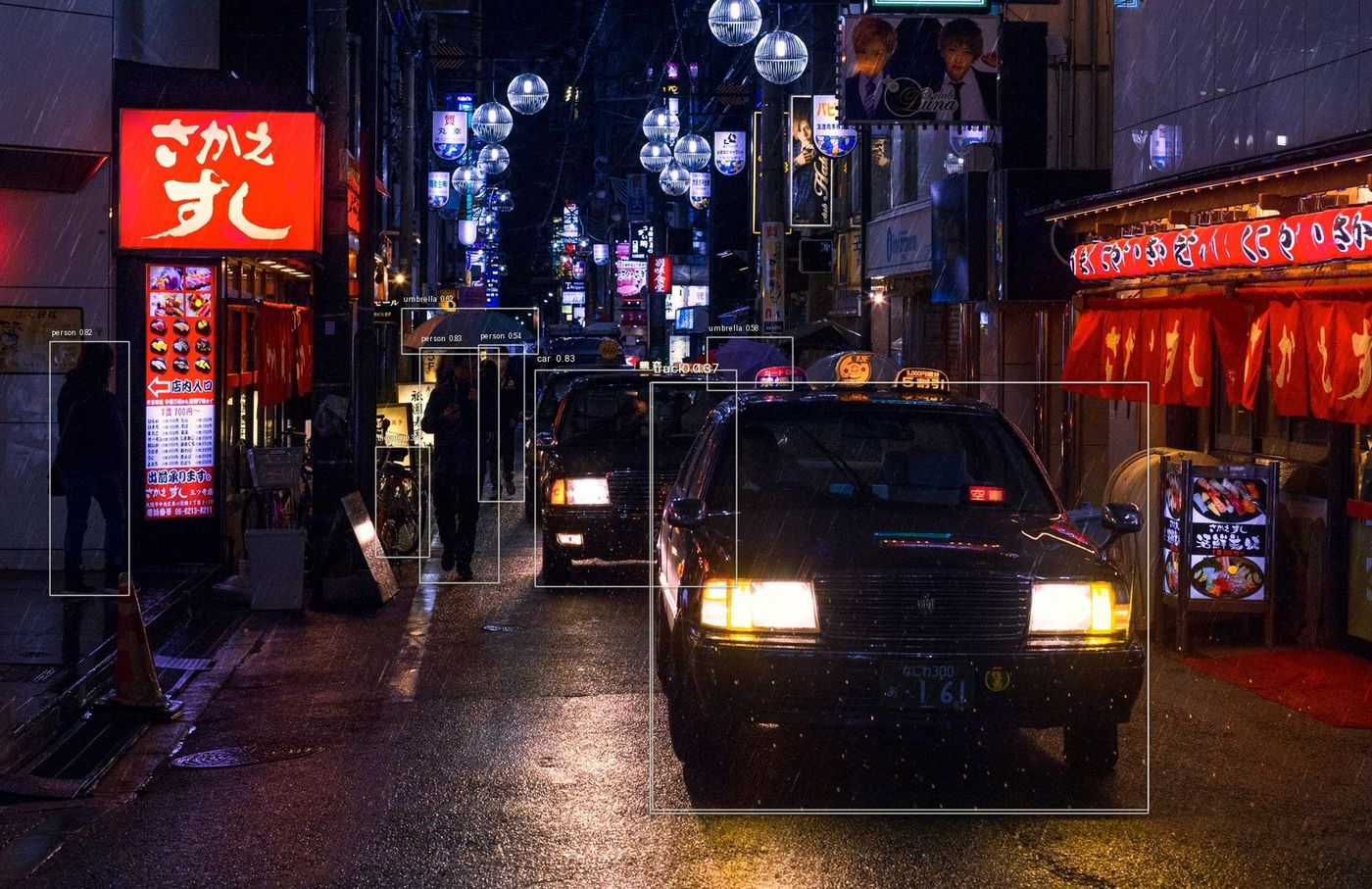
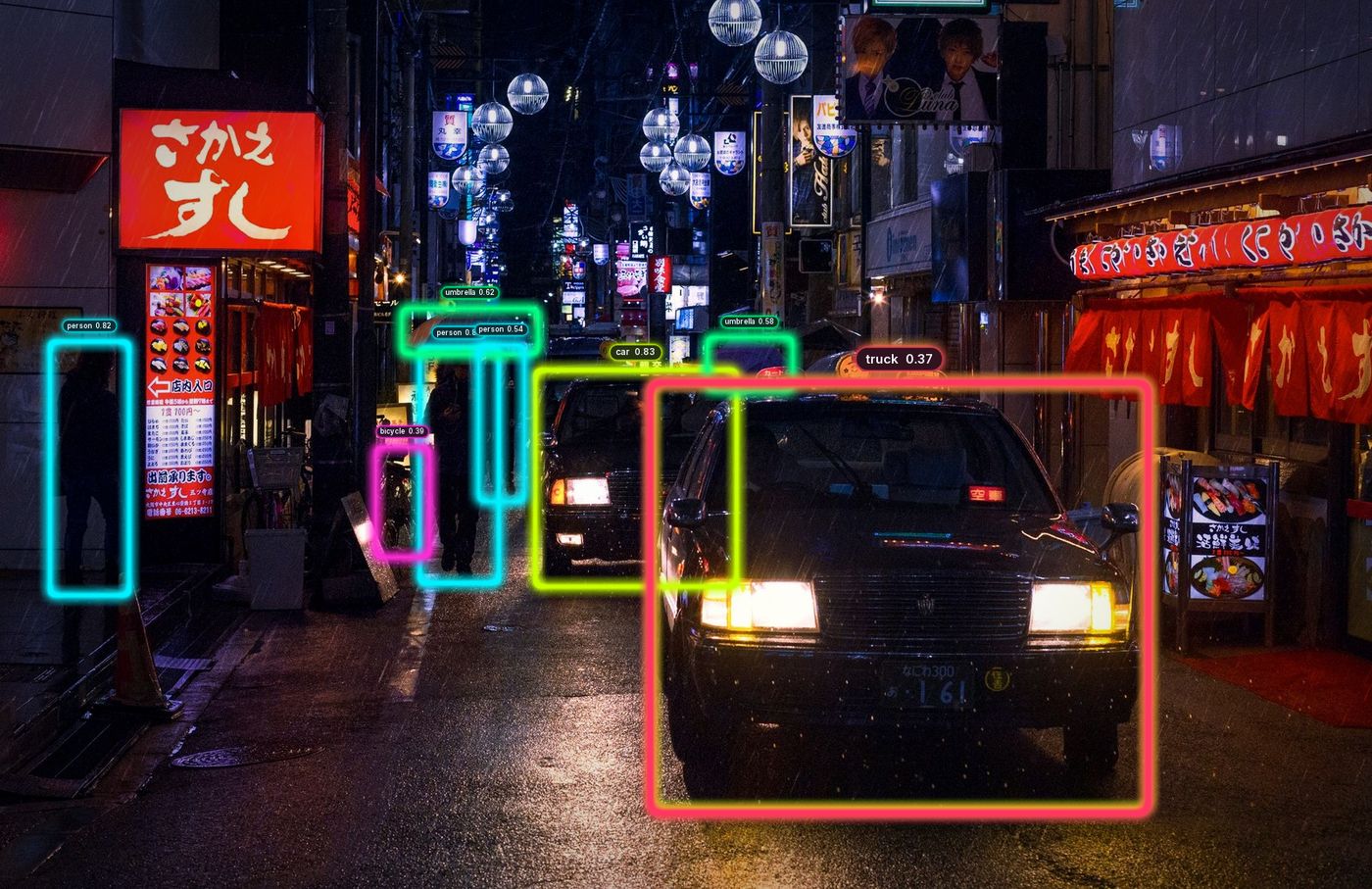
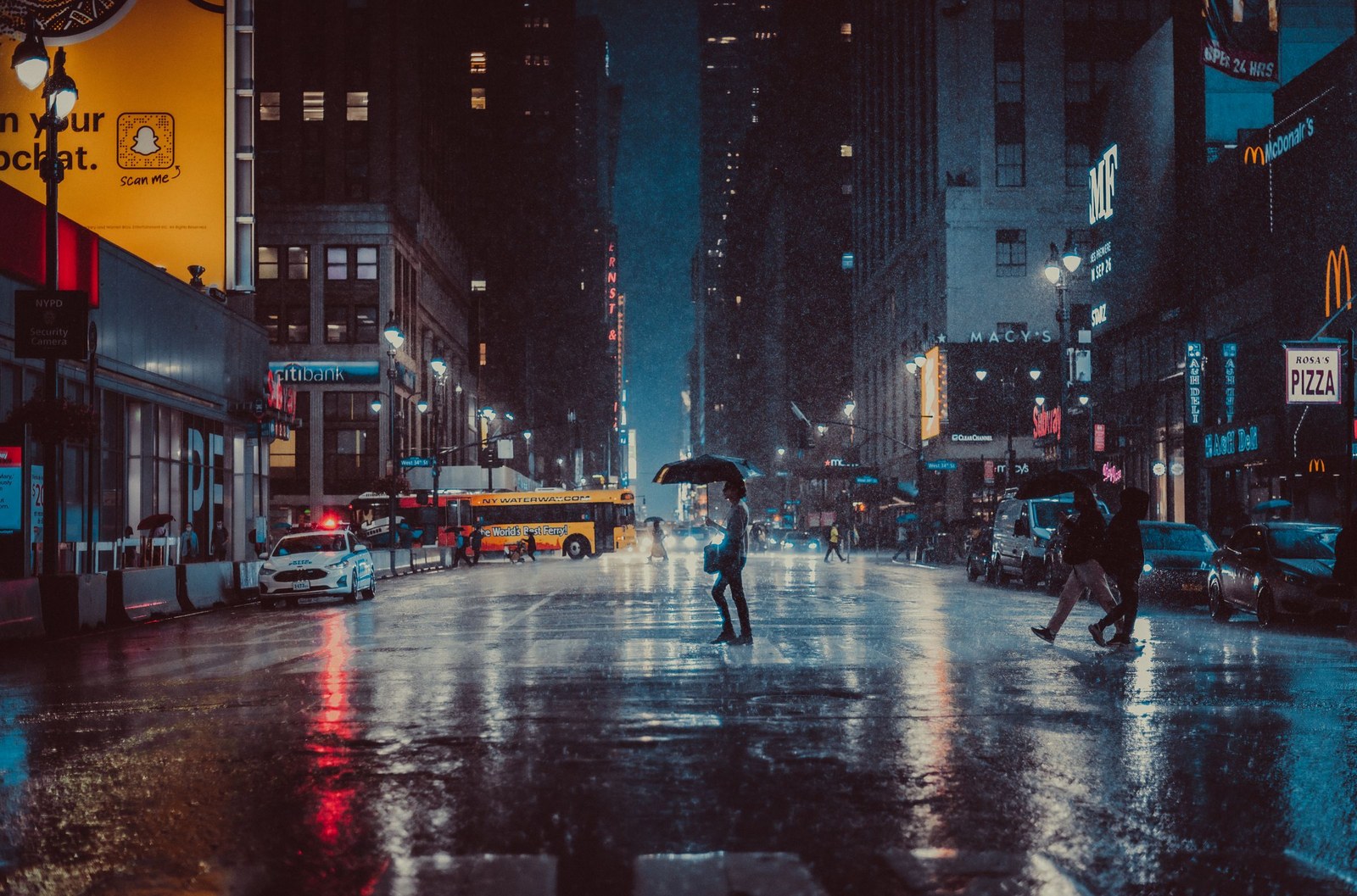
vs.annotate(frame, dets, style="cinematic")
drag to compare
01 / The idea
Most pipelines stop at a rectangle. visionstyle starts there — then gives you a complete, composable system for shape, label, colour, motion, texture and tracking, all described by one object.
Describe
Box, stroke, fill, line, label, effects and trail live in a single Pydantic model. Every choice is inspectable, portable, and saves as plain YAML.
Tune
Your image, your model, live controls. The preview is rendered by the Python package itself, so what you see is exactly what annotate() produces.
Track
Keep one Annotator per stream and trails, marching dashes, hue cycles and pulses carry across frames — on video or a live webcam.
Render
Sizes are reference pixels at ~1080p and scale automatically, so one style looks identical on a webcam frame and a 4K deliverable.
02 / Presets
Pick a mood, then make it yours. Each preset is a plain file you can copy, edit and load by name — vs.Style.preset("hud").
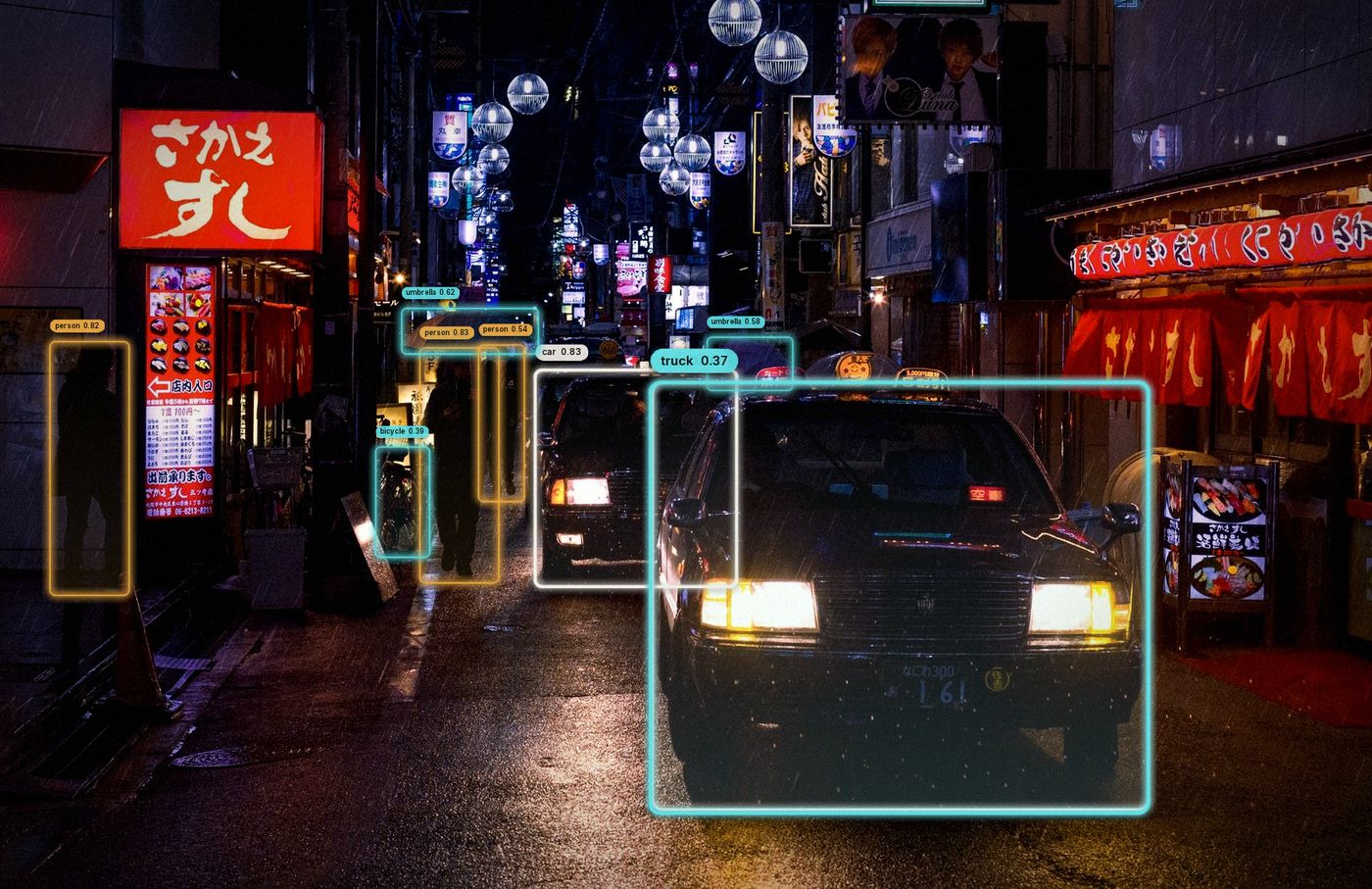
Amber / teal rounded frames, pill labels, soft glow, filmic grade
style = vs.Style.preset("cinematic")
03 / Configure
Start from a preset, a YAML path, or nothing at all. Every option is a typed attribute, so your editor autocompletes it and Pydantic validates it.
# detections: boxes in pixels, everything else optional
dets = vs.Detections(
    xyxy=[[590, 650, 720, 1040], [1060, 660, 1520, 1000]],
    class_name=["person", "car"],
    confidence=[0.93, 0.88],
    track_id=[14, 31],
)
# or: vs.Detections.from_ultralytics(model.predict(frame)[0])

style = vs.Style.preset("cinematic")
style.label.components = ["track_id", "text"]
style.trail.enabled = True

annotator = vs.Annotator(style)   # one per stream
out = annotator.annotate(frame, dets)

style.save_preset("my-look")      # ~/.visionstyle/presets/my-look.yaml
# src/visionstyle/presets/cinematic.yaml (excerpt)
name: cinematic
palette: {colors: cinematic, by: class}
box: {shape: rounded, corner_radius: 10}
stroke: {thickness: 2}
fill: {enabled: true, opacity: 0.1, mode: gradient}
label:
components: [text, confidence]
background: pill
font_weight: 600
effects:
glow: {enabled: true, radius: 10, intensity: 0.55}
vignette: {enabled: true, strength: 0.5, radius: 0.9}
grain: {enabled: true, amount: 0.04}
trail: {enabled: true, length: 36, line: ribbon, glow: true}04 / The Studio
Design a style visually, on your own image and model, and save it as a preset the package loads by name. Nothing is faked: the canvas is rendered by the same Python engine you ship.
Upload an image or use the bundled samples; bring a .pt / .onnx model or start with yolo11n.pt.
Every section of the Style is a live control. Toggle objects, isolate one, play line animations, preview trails on a still.
YAML with only changed values or everything, a clean Python snippet, or Save as preset straight into your presets directory.
pip install "visionstyle[studio,yolo]"
visionstyle studio # → http://127.0.0.1:842005 / Install
Core depends on NumPy, OpenCV-headless, Pillow, Pydantic and PyYAML. Add extras for Ultralytics models or the Studio.
1Install the package
pip install visionstyleThe latest release from PyPI. Python 3.10 – 3.13.
pip install "visionstyle[yolo]"      # + ultralytics for demos / CLI models
pip install "visionstyle[studio]"    # + fastapi / uvicorn for the Studio
pip install "visionstyle[all]"pip install git+https://github.com/baselhusam/visionstyle.gitThe unreleased development version from main.
visionstyle render photo.jpg -s neon --model yolo11n.pt -o out.jpg
visionstyle render clip.mp4  -s tracking --model yolo11n.pt --track -o out.mp4
visionstyle render 0         -s hud --model yolo11n.pt --track -o webcam.mp4
visionstyle gallery photo.jpg --model yolo11n.pt -o gallery.png
Render stills, videos or a webcam index; gallery renders every preset at once.
2Style your first frame
import cv2
import visionstyle as vs
from ultralytics import YOLO

frame = cv2.imread("street.jpg")
result = YOLO("yolo11n.pt")(frame)[0]

dets = vs.Detections.from_ultralytics(result)
cv2.imwrite("out.jpg", vs.annotate(frame, dets, style="cinematic"))
Needs the [yolo] extra. No model handy? visionstyle render sample -s neon -o out.jpg renders a bundled photo with its shipped detections.